Sunrise alarm
Your room brightens before you wake.
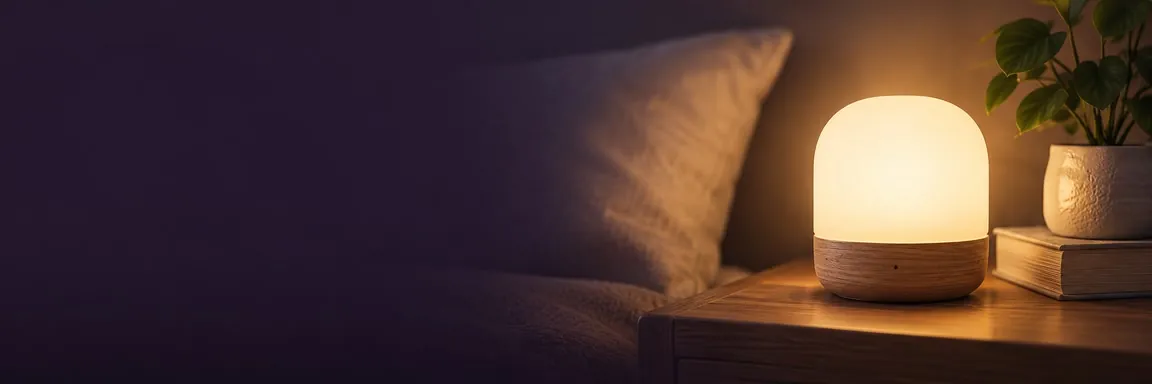
Wonderwake turns the smart lights you already have into a sunrise alarm. As your gentle alarm begins, the lights you choose slowly brighten, like dawn in your bedroom.
 Download on theApp Store
Try for Free
Updated
What you get
-
Light with your alarm
Your lights brighten in step with your gentle alarm, so the room wakes up with you.
-
Warm, neutral or cool
Pick the light you like, or your own color on lights that support it.
-
On or off after
Leave the lights on at the brightness you choose when you get up, or switch them off.
How it works
How does a sunrise alarm work with iPhone?
A sunrise alarm, sometimes called a wake-up light, raises the light in your room slowly before you wake, the way dawn would. Wonderwake does this with smart lights from Apple’s Home app.
When your gentle wake-up starts, Wonderwake turns your chosen lights on low and brings them up to the brightness you set, while your sound rises softly. When you stop the alarm, the lights stay on at the level you picked or switch off, whichever you prefer.
What you need
What do you need for a sunrise alarm?
- Smart lights in the Home app. Bulbs, lamps or light strips that show up in Apple’s Home app.
- Philips Hue? Add the bridge. Set up Hue in the Hue app, then add the Hue Bridge to the Home app.
- A home hub. A HomePod or Apple TV lets the sunrise start on time while your iPhone is locked.
- Choose your lights. In Wonderwake, pick the lights, the brightness and the color.
Without a home hub, the sunrise can’t run reliably on its own before your alarm, so a HomePod or Apple TV at home is worth having.
Compatible lights
Which lights work?
Philips Hue, and other smart bulbs, lamps and light strips that appear in the Home app. If your lights use their own app, a bridge or Matter, set them up there first and make sure they show up in Home.
Color lights can glow warm, neutral or cool, or in a color you pick. White-only lights simply brighten.
Why light
Does waking up with light help?
Light is the main signal for your body clock, and many people simply find it easier to get up in a bright room than a dark one.
Research on dawn-style wake-ups is mixed, so we treat Sunrise as a comfort, not a treatment. Read what the research says.
No smart lights? The gentle alarm works on its own. Sunrise is an extra for people who have them.
Questions
Sunrise alarm FAQ
Can my iPhone wake me up with light?
Yes, with Wonderwake and smart lights in the Home app. It slowly brightens your chosen lights as your gentle alarm begins, like a sunrise.
Does Wonderwake work with Philips Hue?
Yes. Set up Hue in the Hue app first, then add the Hue Bridge to the Home app so your lights appear in Wonderwake.
Do I need a home hub?
Yes, for the sunrise to start on time on its own. A HomePod or Apple TV works as a home hub.
Why don’t I see my lights in Wonderwake?
Wonderwake shows lights that already appear in the Home app. Check that they’re added there, powered on, on your Wi-Fi and in the same home as this iPhone.
Can the lights stay on after I get up?
Yes. Choose whether they switch off when you stop the alarm or stay on at the brightness you set.
Can I choose the color of the sunrise?
Yes, on color lights: warm, neutral, cool or a color you pick. White lights brighten without color.
Do I need smart lights to use Wonderwake?
No. The gentle alarm works on its own. Sunrise is an extra for people with smart lights.








For everyday routines and general wellness only. Sleep times, stages, scores and recommendations are estimates, not medical advice, diagnosis or treatment. Wonderwake does not detect sleep disorders or guarantee sleep results. Ask a qualified professional about persistent sleep concerns.